


This was the first time I worked in Unreal Engine 5 and using blueprints.

Unreal 5

Blueprints
A Series of Accidentally
Stumbling Upon Mechanics
Part One
I started off by prototyping a small level where I wanted the player to be
able to crouch.
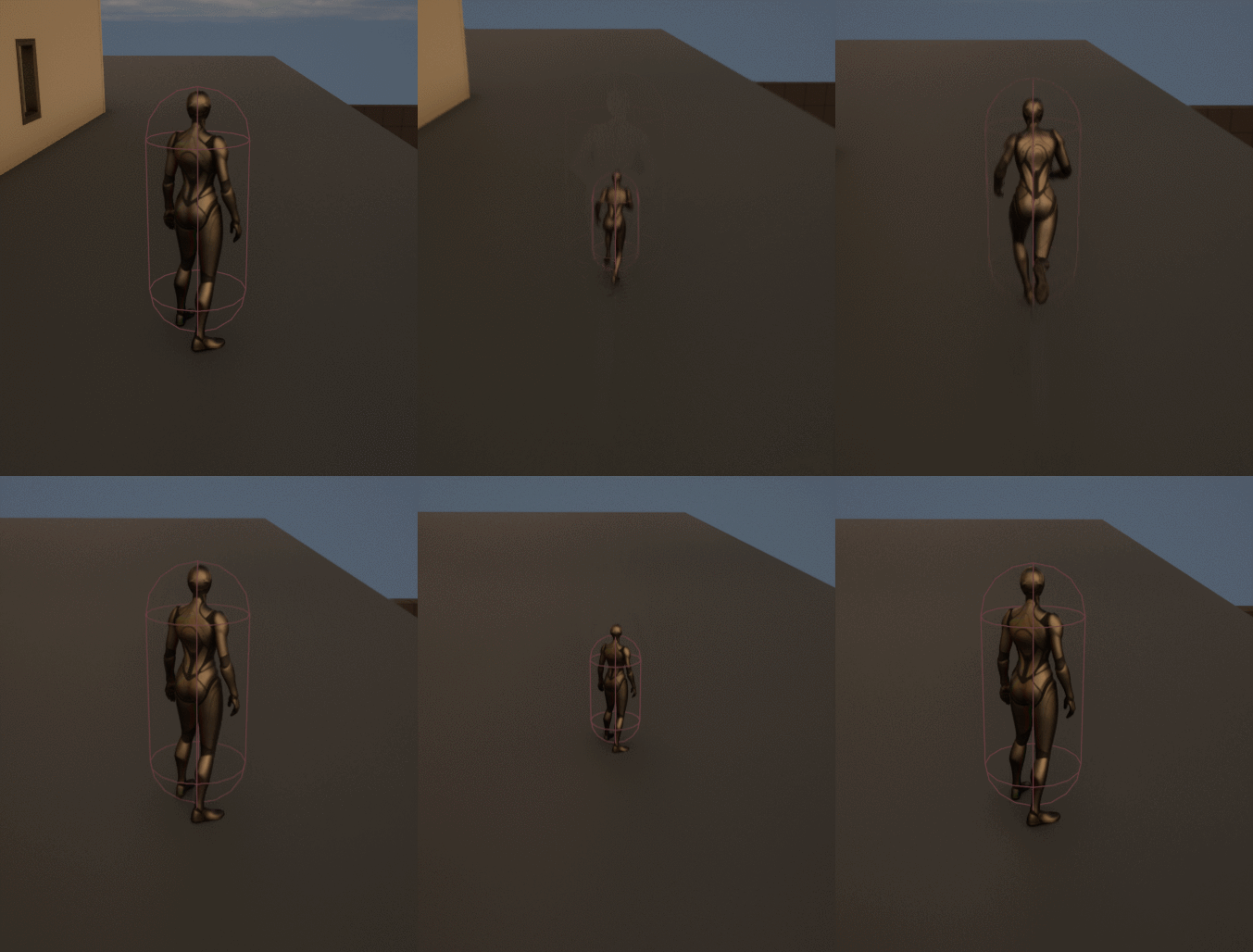
However, I did not have the proper animation for it so I decided to shrink the player whenever they would crouch. This would accidentally lead to the idea of using size to progress through the level.
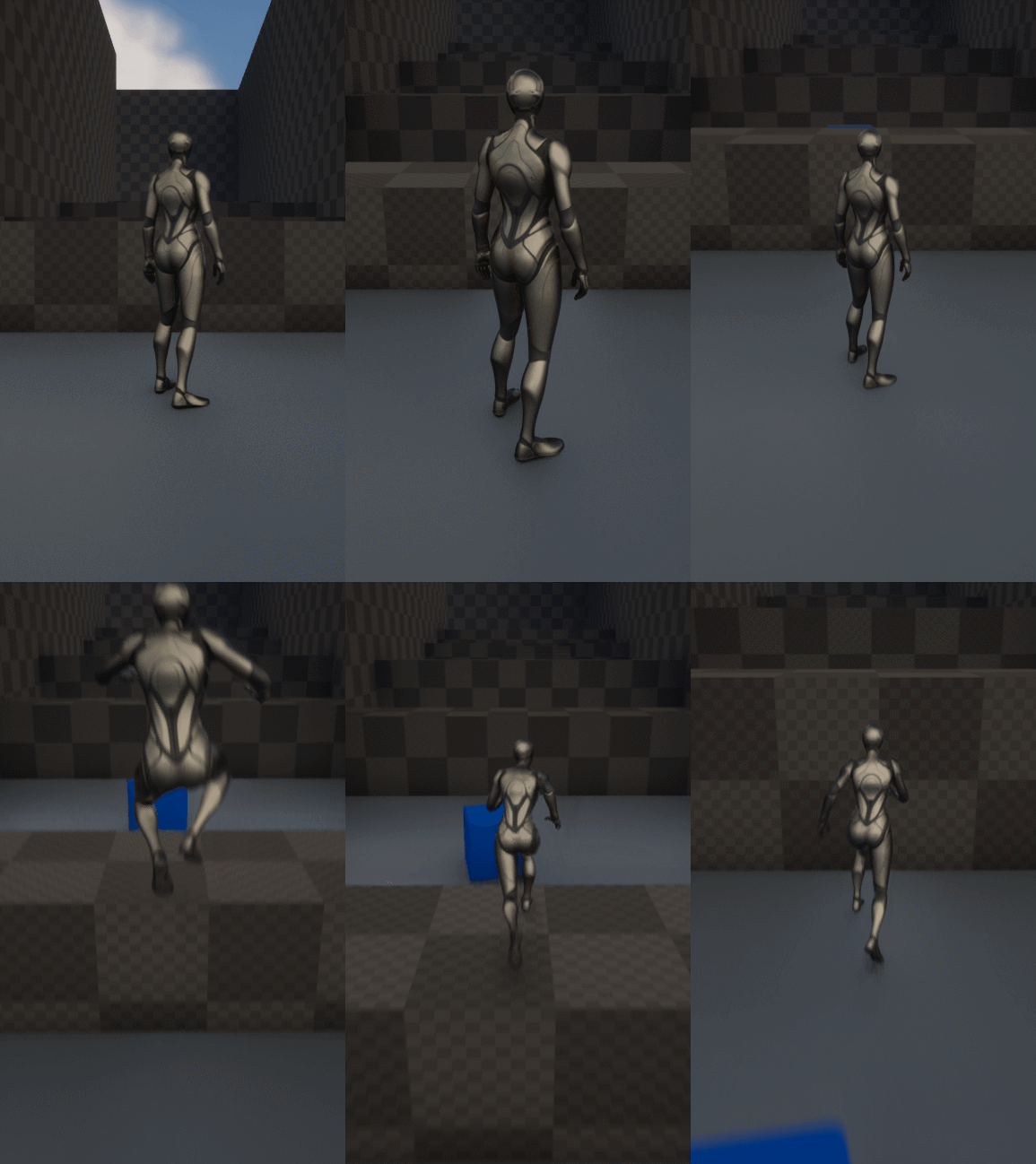
I then added the ability to grow. I blocked out a gym level to make the player having to use both their abilities to progress.
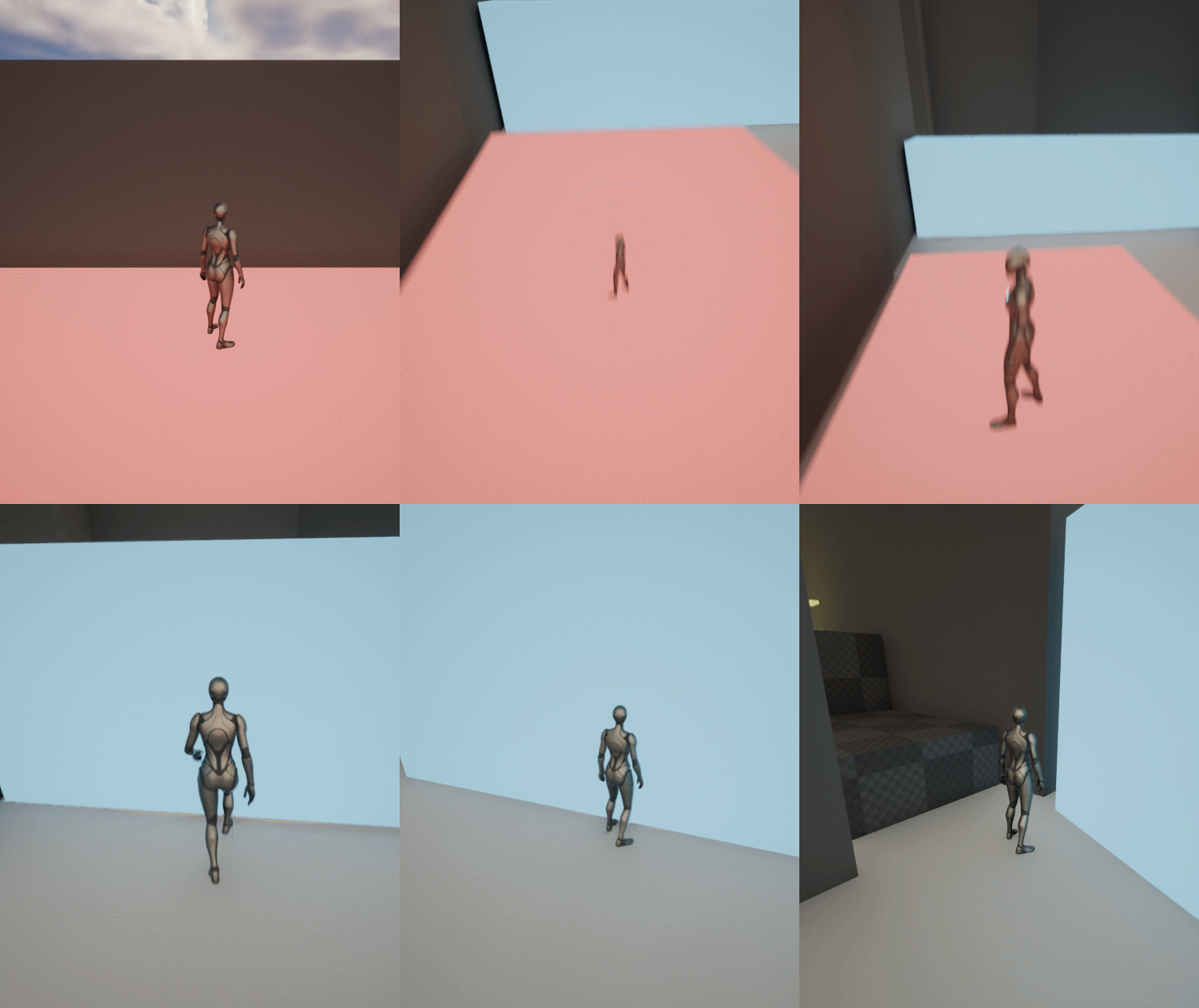
I also added objects that would react to the players size. The red one would fall if the player was big, not move if they were normal and go up again if they were small.
The blue boxes would be able to be pushed depending on the size. Larger boxes would only be moved if the player was large, whilst smaller boxes could be moved either all sizes, or normal and large.
Blueprints, Blueprint Interface and Enumerator for the interactions.
Click the blueprints to open them in blueprintue.com


Player BP, Scale Mode BPI, Scale mode Enumerator

Blueprint to detect player scale

A child blueprint that is a box and allows player to move it depending on size

A child blueprint that is a platform that moves up and down it depending on player size

An overview of the level
Part Two
For my second prototype, I wanted a win and lose condition and to create a small platformer. My lose condition was that you could run out of life. And in order to make that, I had to create a respawn system in blueprints. I stumbled upon an interesting bug, that I would make into a feature.
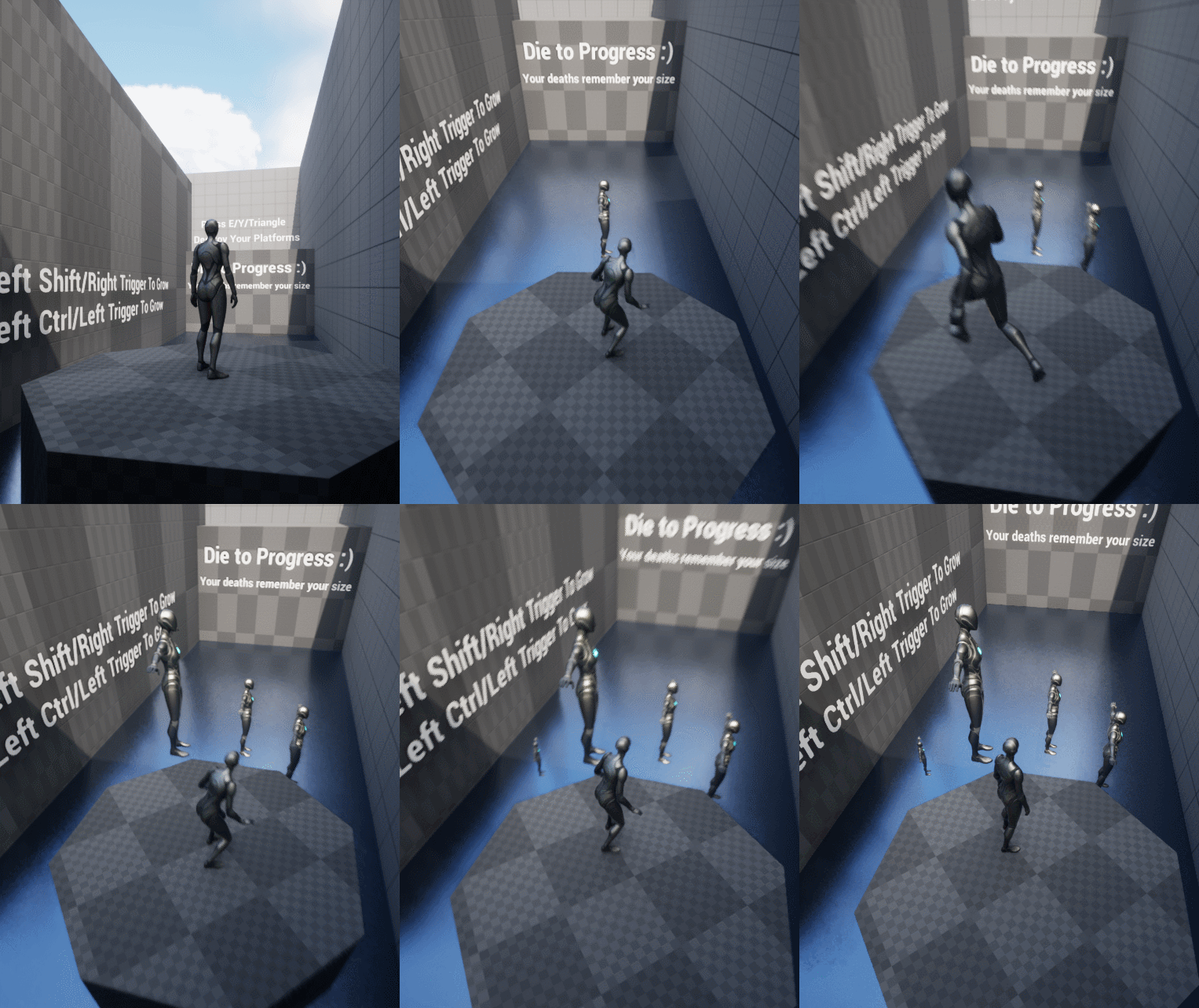
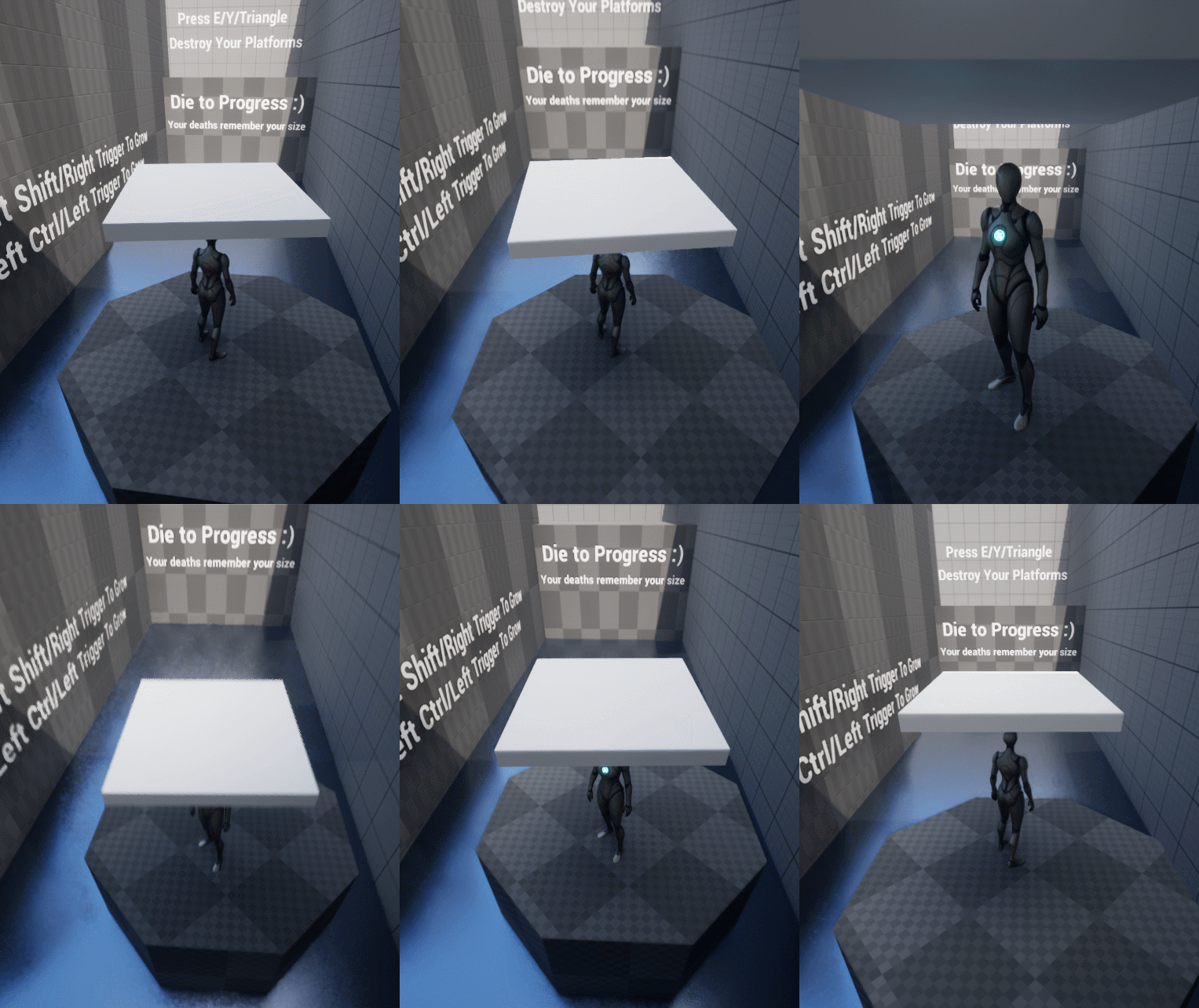
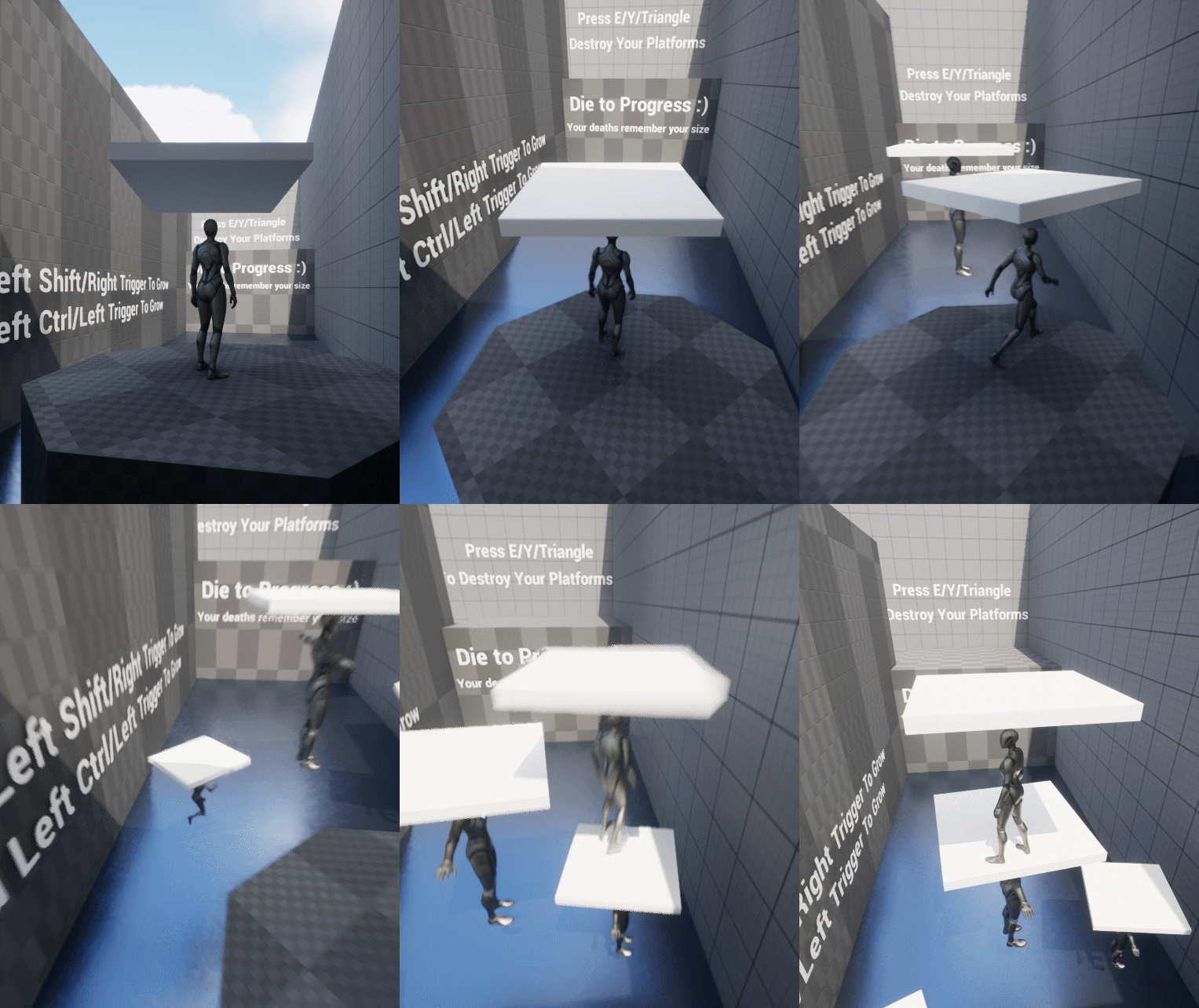
... by slapping a platform on top of the characters head!
When the player died and respawned, the original body would still be there. Thus, I accidentally stumbled upon my second idea...

And the deaths would remember which size you died with!
Blueprint to also spawn a fake actor when player respawns

Checkpoint system, each time the player hit a checkpoint, I would move the respawn point to that position

Level 1

Level 2
I designed two levels where the players could only progress by using their deaths to create platforms for themselves.
However, they only had a limited amount of deaths before losing the game.
I also added a timer for speed running purposes.
And at last, I created a checkpoint system. After all, I'm not that evil.
Part Three
For my third prototype I wanted to create an AI that would be able to get trapped by the player. What I created was an object that if the AI would touch, it would entangle them for a few seconds and then let them move again.
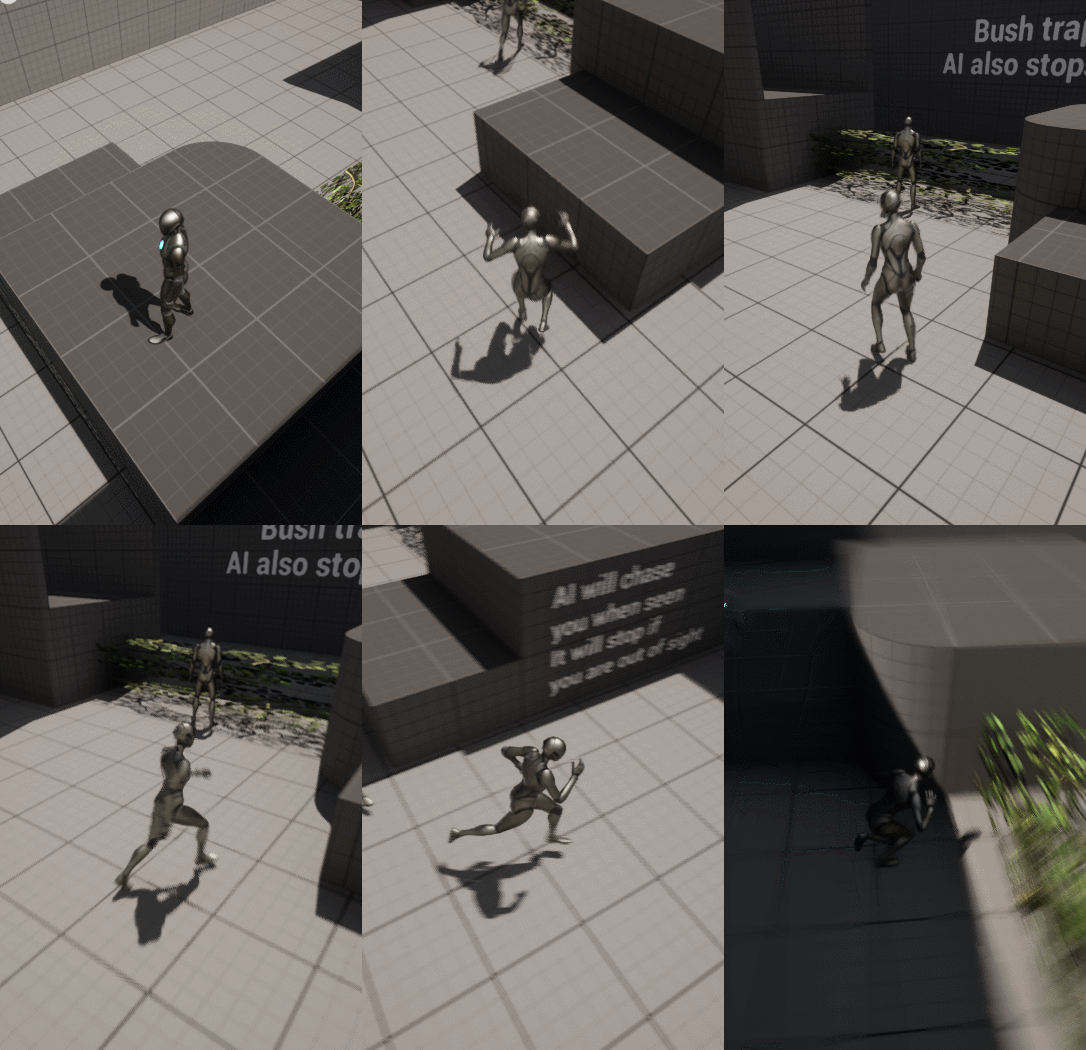
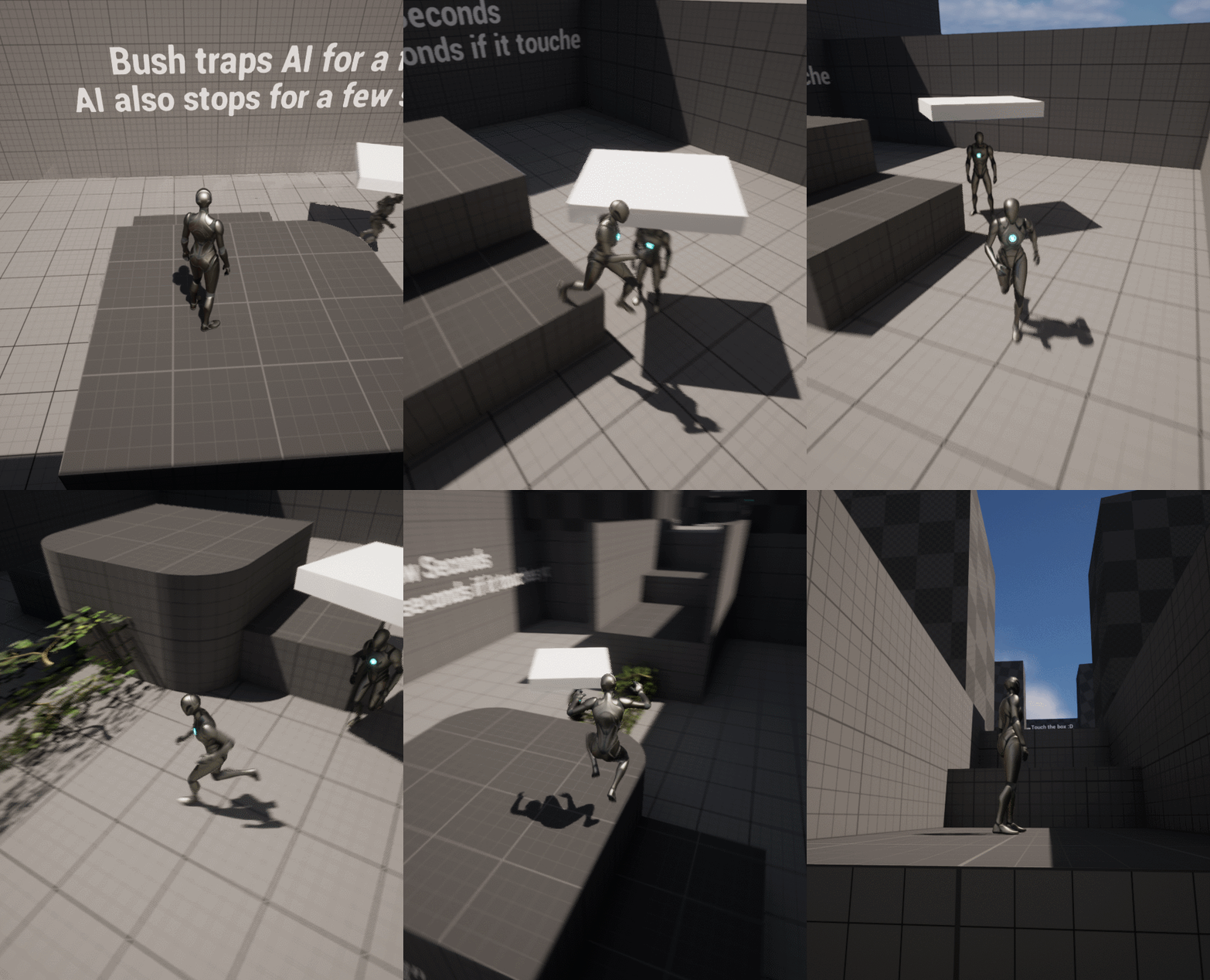
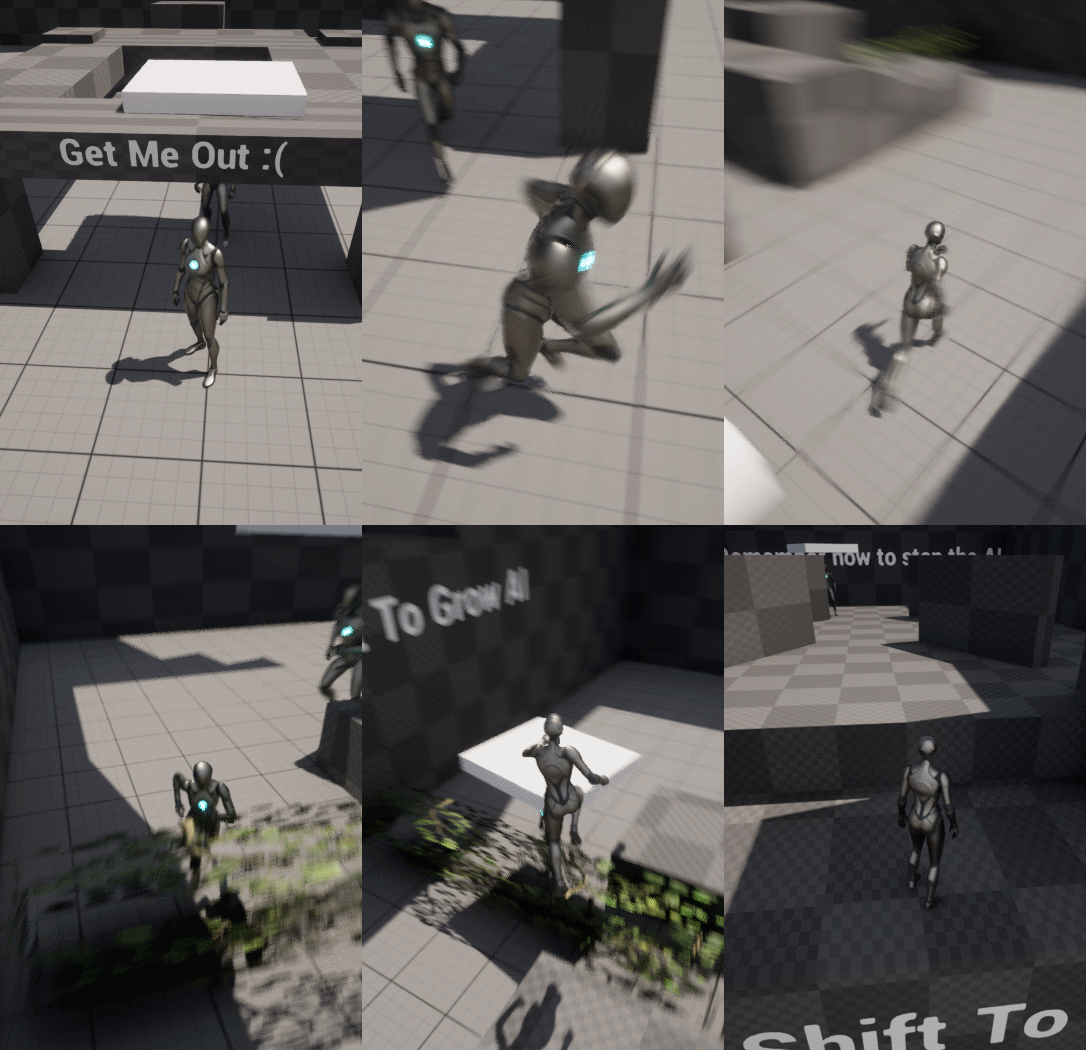
The AI would move randomly, and if they walked into the bush, they would get trapped. However, the player could also aggro them if seen and then lead them to the bush. Which of course meant...
Slapping a platform on top of their heads! And thus, accidentally stumbling upon my last idea. The players would use the AI to progress through the level.
I would also give the ability to the player to shrink and grow the AI. They could then use the platforms on top of the AI's head and the ability to resize them to progress through the level.

AI Behaviour

I prototyped a level and added a win and lose condition.
The win condition was to get to the end of the level using the AI to progress and beating the timer or you would lose.

I also wanted to try out C++ so I decided to make the timer in it this time rather than Blueprints